Remove the background from a logo
Only the white or plain background goes; the logo keeps its colours and smooth edges.
Drop files here
or click to choose from your deviceAccepted: JPG, JPEG, PNG, WEBP, AVIF, GIF, BMP, HEIC, HEIF
Up to 3 files per runUp to 20 MB per file5 runs per dayRemove limits with Pro✓ Works offline
Your files stay on your device
This tool runs entirely in your browser. Nothing is uploaded, nothing is stored, and you can even turn off your internet connection before you start.
Example
Example: a cricket club’s JPG logo made transparent for a match-day poster
A village cricket club only has its logo as a JPG, logo.jpg, 1200 × 900 pixels on white: a red cricket ball with dark red stitching above the words OAKFIELD CC in dark green capitals, together 800 × 560 pixels in the middle. It has to go on a sky-blue match-day poster.
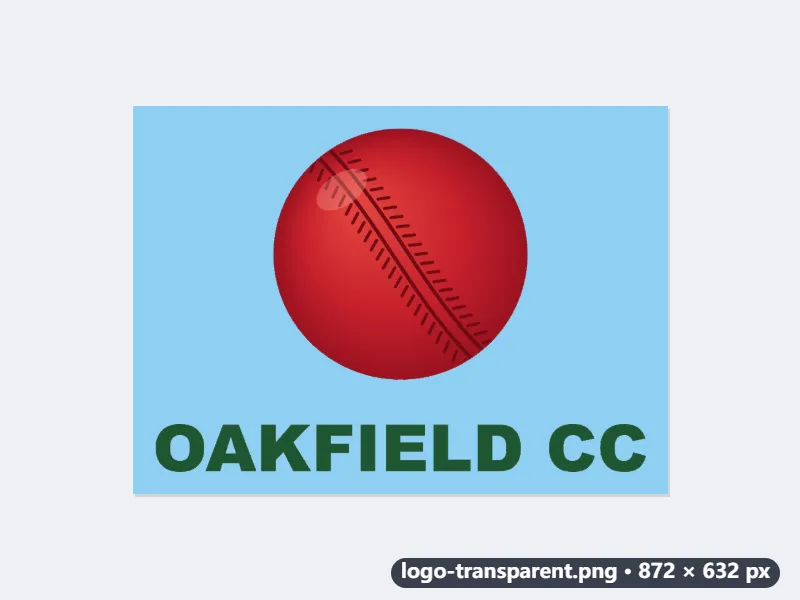
- Drop logo.jpg. White or paper, clean-up strength 5 and Keep original colours are already set.
- Tick Crop to the content and set the space around it to 20 px. The white is cut 16 px outside the logo (2 % of its 800 px, at least 4 px), then 20 px of transparent space are added on every side.
- Press Make logo transparent and download logo-transparent.png.
| Step | Size |
|---|---|
| The JPG logo | 1200 × 900 px |
| Ball and club name | 800 × 560 px |
| Cropped, 16 px each side | 832 × 592 px |
| With 20 px of space | 872 × 632 px |
An 872 × 632 PNG where only the white has gone: on the blue poster the ball stays red and the letters dark green, with no white fringe. The white inside the O, A and D goes too, so the blue shows through the letters as it should. Without the crop the PNG keeps its 1200 × 900.
How it works
- Drop the logo image. JPG, PNG and WebP all work.
- Choose White or paper for a white background, or One plain colour for a logo on blue, black or another single colour.
- Press Make logo transparent and download the PNG.
- Turn on Crop to the content and run it again if you do not want the empty space around the logo.
Frequently asked questions
- White letters inside my logo became transparent. Why?
- White or paper makes every white area transparent, including white parts of the design. If the logo sits on a colour other than white, choose One plain colour and its white parts are kept. A logo with white inside it on a white background needs those parts filled back in afterwards.
- Can it remove a gradient or photo background?
- No. Only white or a single plain colour is removed. A logo placed on a pattern or photo would be partly removed along with the background.
- Will the edges look jagged or white?
- Edge pixels are turned back into the logo's own colour before they are made semi-transparent, so they sit cleanly on dark backgrounds. If JPG compression noise shows, raise the clean-up strength a little.
- PNG or WebP?
- Both keep the transparency. WebP is the smaller file and fine for websites; PNG is the one every slide, video and print program accepts. A browser that cannot write WebP, such as Safari, saves a PNG instead.
- My logo is white on a dark background. Can I keep the white?
- Yes. Choose One plain colour: the colour found along the edges, navy say, is removed and the white logo stays. Keep original colours leaves it white; choose Black under Colour of what is kept if you also want a dark version for light backgrounds.
- Is my logo uploaded?
- No. Everything runs in your browser, so unreleased brand files stay on your device. The free plan handles 3 images per run, 20 MB each and 5 runs per day.