Add a border to an image
A clean frame around photos and screenshots, the same width on every side.
Drop files here
or click to choose from your deviceAccepted: JPG, JPEG, PNG, WEBP, AVIF, GIF, BMP, HEIC, HEIF
Up to 3 files per runUp to 20 MB per file5 runs per dayRemove limits with Pro✓ Works offline
Your files stay on your device
This tool runs entirely in your browser. Nothing is uploaded, nothing is stored, and you can even turn off your internet connection before you start.
Example
Example: a 40 px black border around an 800 × 600 picture
The picture: an 800 × 600 drawing of a red sailboat on blue water under a pale sky, saved as PNG. Settings: Border width 40, Border colour Black, Output format Keep original format.
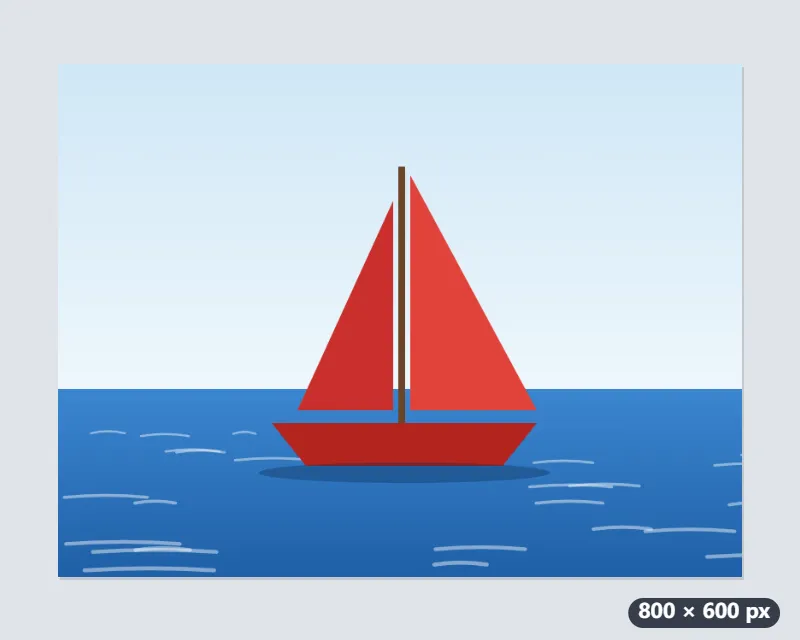
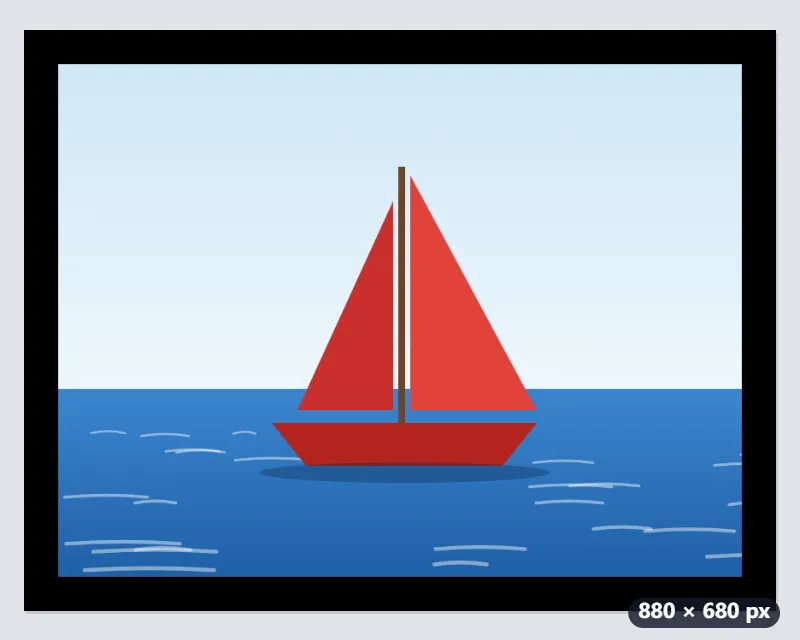
- The border is added outside the picture, 40 px on every side: 800 + 2 × 40 = 880 wide and 600 + 2 × 40 = 680 high.
- Nothing is cropped or scaled: the boat sits in the middle at its own 800 × 600.
- The download stays a PNG and gets -border in its name: sailboat.png becomes sailboat-border.png.
| Image | Border | Result |
|---|---|---|
| 800 × 600 drawing | 40 px | 880 × 680 |
| 1280 × 720 screenshot | 20 px | 1320 × 760 |
| 1080 × 1080 post | 40 px | 1160 × 1160 |
| 4032 × 3024 phone photo | 40 px | 4112 × 3104 |
| 4032 × 3024 phone photo | 80 px | 4192 × 3184 |
An 880 × 680 PNG with an even black frame. On a 4032-pixel phone photo the same 40 px is only 1 % of the width, a thin line; 80 to 100 px reads as a frame there.
How it works
- Drop the images you want to frame.
- Set the border width in pixels. For a phone photo 40 to 100 px is a visible but slim frame.
- Choose white, black, grey or a transparent border.
- Press Add border and download the results.
Frequently asked questions
- How wide should the border be?
- It depends on the image size: 40 px is slim on a 4000 px photo and wide on a 600 px screenshot. Roughly 2 to 3 percent of the longer side reads as a neat frame.
- Does the image get smaller?
- No. The border is added outside the picture, so the canvas grows by twice the width in each direction and the photo keeps every pixel.
- Why does a transparent border come out white?
- JPG cannot store transparency. Choose PNG or WebP as the output format to keep the border transparent.
- How do I add a black border to a photo?
- Choose Black under Border colour, set the width — 40 px to start — and press Add border. White, black and grey are solid colours; Transparent adds empty space, which only PNG and WebP keep.
- Can I frame several images at once?
- Yes: drop several and each gets the same border width in pixels, so a small screenshot and a large photo get the same number of pixels, not the same share of their width.
- Are my images uploaded?
- No. The border is added in your browser. The free plan handles 3 images per run, 20 MB each and 5 runs per day.