Japanese passport photo (35 × 45 mm)
The size the Japanese passport office measures, with the head measured rather than guessed.
Drop files here
or click to choose from your deviceAccepted: JPG, JPEG, PNG, WEBP, AVIF, GIF, BMP, HEIC, HEIF
Up to 3 files per runUp to 20 MB per file5 runs per dayRemove limits with Pro✓ Works offline
Your files stay on your device
This tool runs entirely in your browser. Nothing is uploaded, nothing is stored, and you can even turn off your internet connection before you start.
Example
Example: a Japanese passport photo made at home in London, printed on 6 × 4 in
Yui (fictitious), a Japanese national working in London, is renewing her passport at the embassy and takes her own photo against a plain white wall: photo.jpg, 3024 × 4032 pixels. The face detector puts her chin 2,200 pixels from the top and the matting model finds the top of her hair at 1,150, so her head is 1,050 pixels tall. Background: Keep the photo’s own.
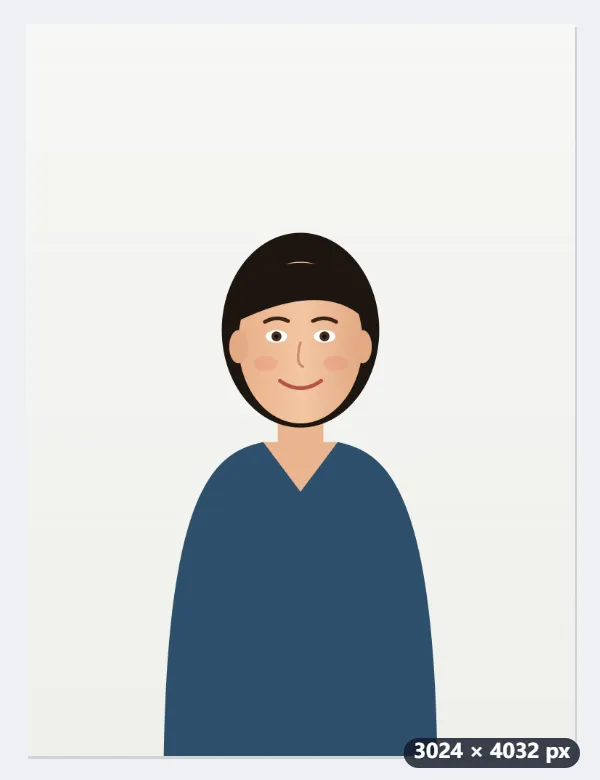
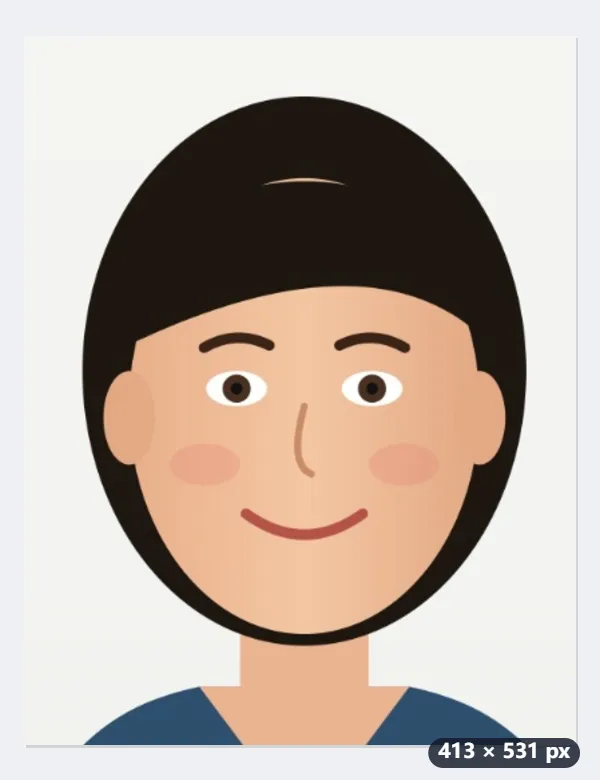
- The aim is the middle of 32–36 mm, 34 mm, which is 401 pixels at 300 dpi, so the photo is scaled to 38.2 %.
- 36 % of the height left over goes above the hair: about 4.0 mm (47 pixels). The other 7.0 mm (83 pixels) is below the chin.
- The crop is centred on the face: 1081 × 1390 pixels of the original become 413 × 531, saved as photo-japan-photo.jpg and marked 300 dpi.
- To print in the UK, open the Passport photo print sheet tool: 35 × 45 mm on a 6 × 4 in print (4×6 in) gives 8 copies, four across and two down.
| Measure | Japanese guidance | This photo |
|---|---|---|
| Photo size | 35 × 45 mm | 413 × 531 pixels at 300 dpi |
| Head, chin to top of hair | 34 mm ± 2 | 34.0 mm (401 pixels) |
| Room above the hair | 4 mm ± 1 | about 4.0 mm (47 pixels) |
| Below the chin | the rest of the height | about 7.0 mm (83 pixels) |
A photo with the head in the middle of the allowed range. Print it at 100 % (actual size), not fitted to the page, so it measures 35 × 45 mm. Expression, glare and how recent the photo is are checked when you apply: read the Ministry of Foreign Affairs requirements, or your embassy’s page, first.
How it works
- Take the photo straight on against a plain light wall, in even light, with nothing casting a shadow behind you.
- Drop it here. The face is found and the crop is laid out so the head measures 32 to 36 mm on a 35 × 45 mm print.
- Set the background to white if the wall behind you is not plain enough. Keep the photo's own if it already is.
- Download and print at 35 × 45 mm, or take it to the Passport photo print sheet tool to fill a sheet of photo paper.
Frequently asked questions
- How is this different from the Schengen size?
- The print is the same 35 × 45 mm and the head range is the same 32–36 mm; this tool aims for 34 mm on both. The difference is the room above the hair: the Japanese guidance asks for 4 mm ± 1, and this page leaves about 4.0 mm, while the Schengen setting leaves about 4.4 mm, so a Schengen crop of the same photo sits about 0.4 mm lower. Both are inside the Japanese range, but making the photo to the size of the office you apply to is the safe choice.
- Will the passport office accept a photo I made myself?
- The size and the head measurement are what this tool guarantees. The rest — how recent the photo is, expression, whether the background is plain enough, glasses and glare — is judged when you apply, and the requirements are published by the Ministry of Foreign Affairs. Read them before you print, because a photo that is the right size and the wrong pose still comes back.
- Can I use it for a residence card or My Number card?
- Not directly: the residence card and My Number card use different sizes. This page makes the 35 × 45 mm passport size. There are separate pages for the My Number photo and for the 30 × 40 mm résumé size.
- How do I print it outside Japan?
- Open the Passport photo print sheet tool and choose 35 × 45 mm on 4×6 in paper: eight copies fit, four across and two down, with 2 mm gaps that survive a kiosk’s trimming. Any photo kiosk or online lab prints 6 × 4 in. Print at actual size; scaled to fit, the photos come out the wrong size.
- What if my photo is cropped too tightly?
- If it ends too close below the chin, no photo is made: take one that shows the shoulders. If there is a little too little room above the head or beside the shoulders, up to a fifth of the picture, that band is filled with the wall’s own colour, or with the background colour you chose.
- Is the photo uploaded?
- No. The face is found and the crop is made inside the browser tab; the picture never leaves your computer.