Mexican passport photo (35 × 45 mm)
Passport size, white background, the head measured to match.
Drop files here
or click to choose from your deviceAccepted: JPG, JPEG, PNG, WEBP, AVIF, GIF, BMP, HEIC, HEIF
Up to 3 files per runUp to 20 MB per file5 runs per dayRemove limits with Pro✓ Works offline
Your files stay on your device
This tool runs entirely in your browser. Nothing is uploaded, nothing is stored, and you can even turn off your internet connection before you start.
Example
Example: a Mexican passport photo taken at home in Houston, ready to print
Daniela (fictitious) lives in Houston and has a consulate appointment to renew her Mexican passport. The photo is usually taken there, but she wants printed ones ready in case her procedure asks for them. Her sister photographs her with a phone against a light wall: daniela.jpg, 3000 × 4000 pixels, her head 1,160 pixels from chin to the top of the hair. Background: White.
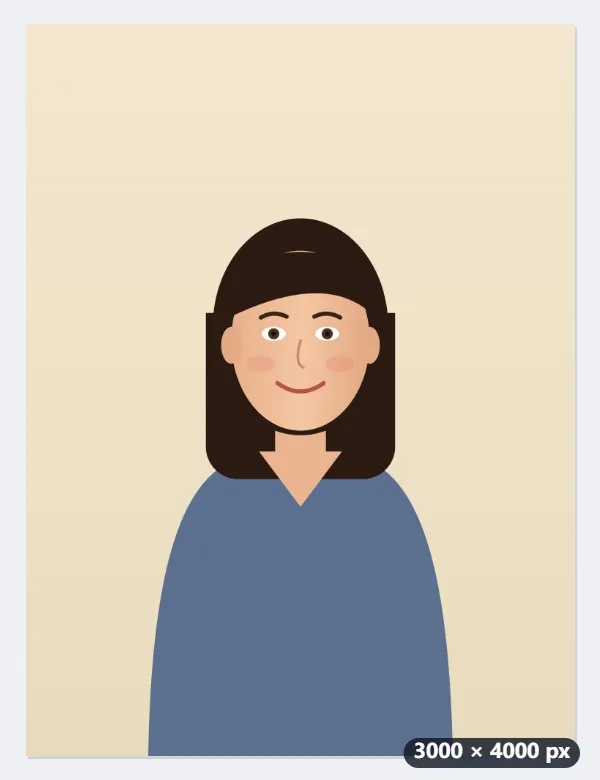
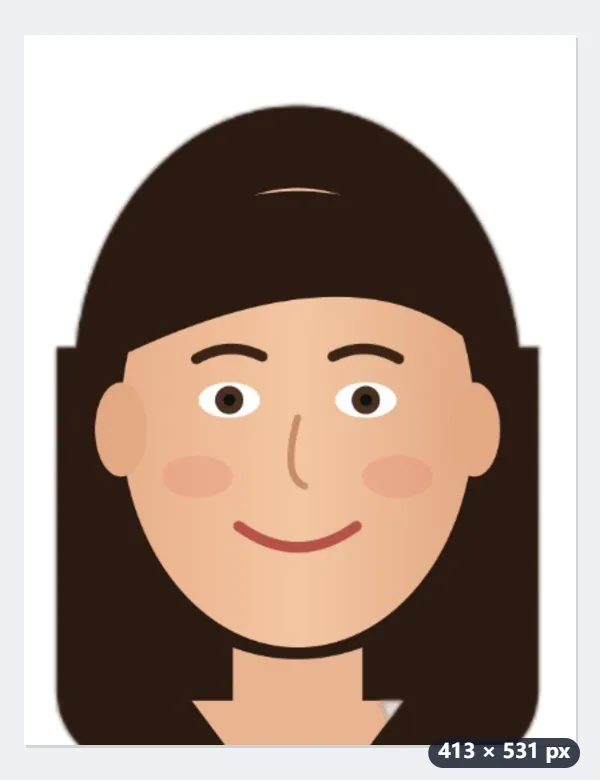
- The 35 × 45 mm photo is 413 × 531 pixels at 300 dpi. The head may be 32 to 36 mm; the tool aims for the middle, 34 mm, which is 401 of the 531 pixels.
- To turn 1,160 pixels of head into 401, a 1,194 × 1,535 pixel rectangle is cut around her face and scaled down.
- The 130 pixels left over go 40% above the hair, about 4.4 mm, and 60% below the chin, about 6.6 mm, for the neck and shoulders.
- With White, she is cut out of the photo and the light wall becomes plain white.
| Phone photo (3000 × 4000) | Head | Cut out | Result |
|---|---|---|---|
| From about 1.5 m, shoulders showing | 1,160 px | 1,194 × 1,535 | made, all from inside the photo |
| Selfie at arm’s length, hair 280 px from the top | 2,300 px | 2,368 × 3,044 | made: the top 0.6% of the frame was above the photo and is filled with white |
| Chin 250 px above the bottom edge | 1,650 px | 1,699 × 2,184 | not made: it asks for a photo that shows the shoulders |
daniela-mexico-photo.jpg: 413 × 531 pixels marked 300 dpi, 35 × 45 mm when printed at 100%. On the ID photo sheet at 35 × 45 mm, 8 fit on one 4 × 6 in print and 28 on US Letter, with 2 mm cutting gaps. A neutral face, no glasses and nothing on the head are down to the photo she takes.
How it works
- Photograph yourself straight on against a plain wall, without glasses, in even light.
- Drop the photo here: it is set on a white background and the head measured to size.
- Download the 413 × 531 pixel photo (35 × 45 mm at 300 dpi) and print it at that size.
Frequently asked questions
- Do I need to bring photos to my appointment?
- Usually the photo is taken at the passport office itself; printed photos are asked for in some cases and for some procedures. Check the instructions of your appointment.
- What are the rules?
- Colour, 35 × 45 mm, a white background, face straight on with a neutral expression and mouth closed, no glasses and nothing on the head.
- I need the small "tamaño infantil" size.
- That is 2.5 × 3 cm — use the tamaño infantil page.
- How big is the head in the finished photo?
- From the chin to the top of the hair it is 34 mm, the middle of the 32–36 mm range: 401 of the 531 pixels, with about 4.4 mm above the hair and 6.6 mm below the chin. Your photo is cut and scaled to fit that, however close the camera was. If the photo ends too close under the chin, it is not made and asks for one that shows the shoulders.
- Can I print several on one sheet?
- Yes. Take the file to the ID photo sheet and choose 35 × 45 mm: with 2 mm gaps for cutting, 8 fit on a 4 × 6 in print and 28 on US Letter. Print at 100% (actual size), or the photos come out the wrong size.
- Is my photo uploaded?
- No. Everything runs in your browser. The free plan handles 3 images per run, 20 MB each and 5 runs a day.