Make a GIF from images
Pictures in, an animated GIF out, made on your device.
Drop files here
or click to choose from your deviceAccepted: JPG, JPEG, PNG, WEBP, AVIF, GIF, BMP, HEIC, HEIF
Up to 30 files per runUp to 20 MB per file5 runs per dayRemove limits with Pro✓ Works offline
Your files stay on your device
This tool runs entirely in your browser. Nothing is uploaded, nothing is stored, and you can even turn off your internet connection before you start.
Example
Example: six phone photos into a looping GIF
Six 4032 × 3024 photos of a cake being decorated, at the defaults: 0.5 s per picture, 480 px wide, Loop forever.
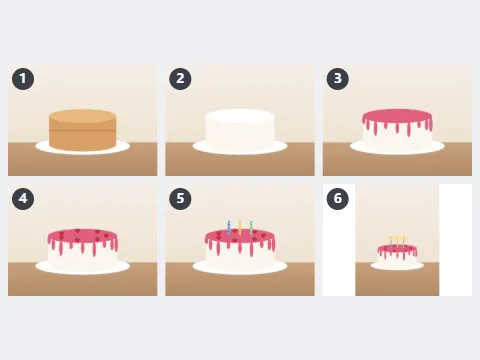
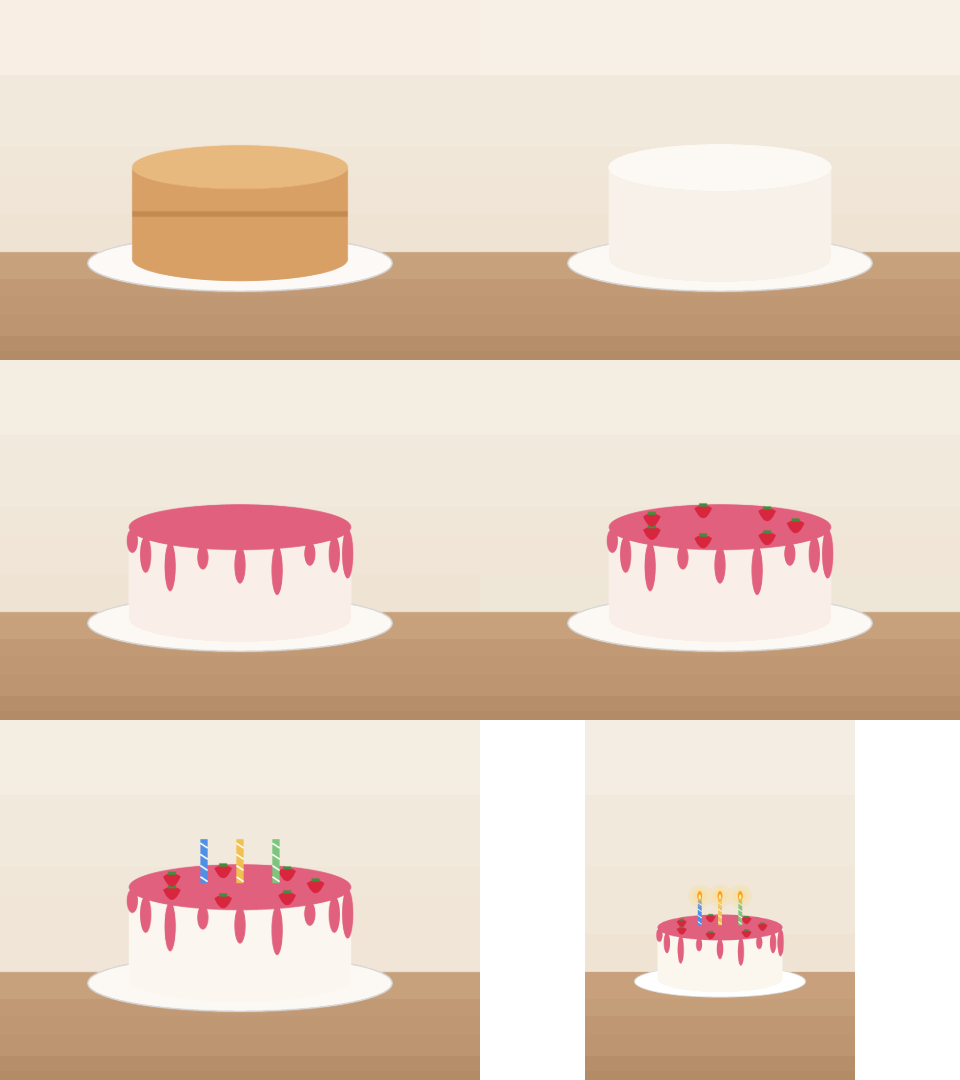
- The first photo sets the shape: 480 × 360 pixels.
- A portrait photo among them (3024 × 4032) is fitted inside at 270 × 360, centred on white, with nothing cut off.
- Six pictures × 0.5 s make a 3-second loop that repeats forever.
| Width | Frame size for 4:3 photos |
|---|---|
| 320 px | 320 × 240 |
| 480 px | 480 × 360 |
| 640 px | 640 × 480 |
| 800 px | 800 × 600 |
A 3-second loop at 480 × 360. If the file is too big for where it is going, 320 px has 2.25 times fewer pixels per frame — the largest saving of any setting.
How it works
- Drop two or more images onto the box. Use the arrows in the file list to put them in order.
- Choose how long each picture shows: 0.1 s for animation, 1 or 2 s for a slide show.
- Choose the width. The GIF takes the shape of the first picture; the others are fitted into it.
- Select Make GIF and download it.
Frequently asked questions
- Why do the colours look grainy?
- A GIF can hold only 256 colours per frame, so photographs with smooth gradients show banding or speckles. Flat drawings, screenshots and text survive well. For photos, a short video is the better format.
- My pictures are different sizes. What happens?
- The first picture decides the shape of the GIF. Every other picture is scaled to fit inside it without stretching, on a white background, so nothing is cut off.
- Does it keep transparency?
- No: transparent areas are filled with white. That keeps the edges clean, since a GIF has only fully transparent or fully solid pixels.
- How do I make the file smaller?
- Choose a smaller width, use fewer pictures, or show each one longer. The width counts the most: halving it makes the file about four times smaller.
- How long will the animation last?
- The number of pictures times the time per picture: 6 pictures at 0.5 s make a 3-second loop, 10 at 0.2 s a 2-second one. With Loop forever ticked it repeats; untick it to play once.
- Are my pictures uploaded, and what are the free limits?
- They are not uploaded: the GIF is put together in your browser. The free plan takes up to 30 pictures of 20 MB each per GIF, 5 times a day. Pro removes these limits.
Related tools
⊞ Combine images Put photos side by side or stack screenshots into a single picture, in the order you choose. ⇲ Compress image Make JPG, PNG and WebP files smaller for email, websites and messaging apps, right in your browser. • Resize image Scale one or many images to exact dimensions or pick a ready-made social media size. ▦ Split image into a grid One picture in, a grid of equal tiles out, ready to post or print.