Compress GIF
A smaller animated GIF, or one under the size you need.
Drop files here
or click to choose from your deviceAccepted: GIF
Up to 3 files per runUp to 20 MB per file5 runs per dayRemove limits with Pro✓ Works offline
Your files stay on your device
This tool runs entirely in your browser. Nothing is uploaded, nothing is stored, and you can even turn off your internet connection before you start.
Example
Example: a 2.9 MB animated GIF brought under the 256 KB emoji limit
A 480 × 480 animated GIF from a converter: a six-colour rainbow pinwheel turning over an orange-to-purple sunset gradient, 48 frames at 60 ms (a 2.9-second loop), every frame stored whole with colours of its own. 2.9 MB.
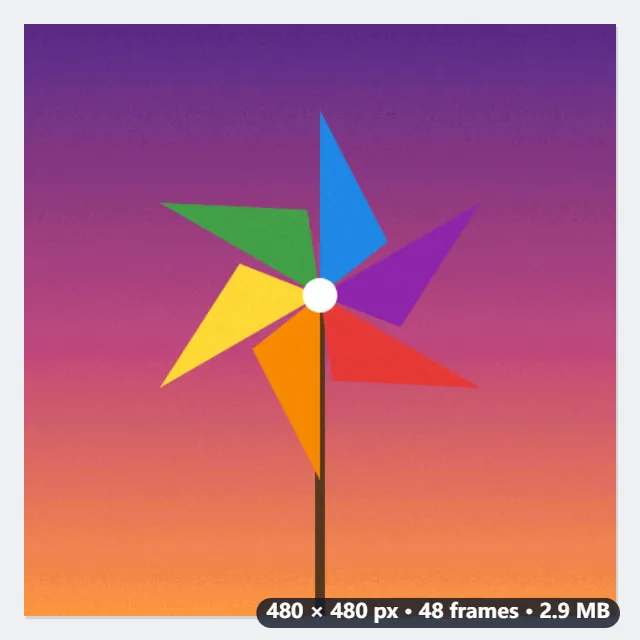
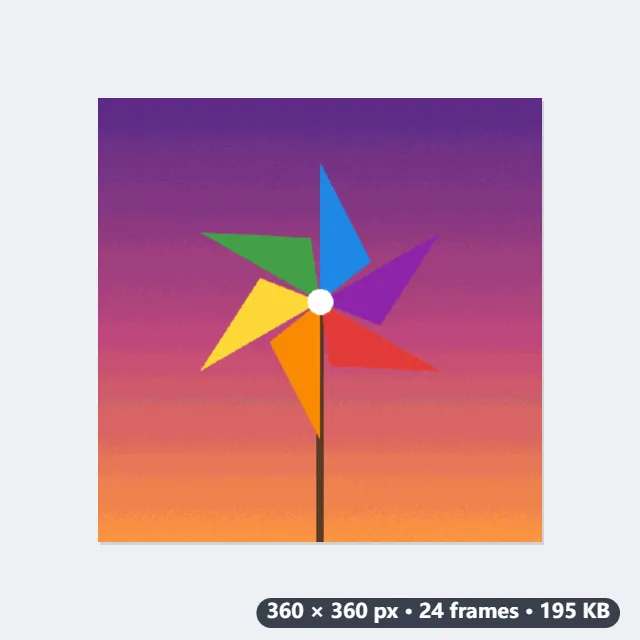
- With a size chosen, the versions are tried from best-looking to smallest and the first that fits is kept: fewer colours first, then a smaller picture, then fewer frames.
- For the emoji, 360 × 360 with all 48 frames would still be 493 KB, so every second frame goes; each one kept is shown for 120 ms, the time of two, so the loop still lasts 2.9 seconds.
| Size chosen | What comes back | File size |
|---|---|---|
| Smaller, looking the same | 480 × 480, all 48 frames, one set of 128 colours | 823 KB |
| Under 2 MB | 480 × 480, all 48 frames, 256 colours | 1.1 MB |
| Under 512 KB (Discord sticker) | 360 × 360, all 48 frames, 64 colours | 493 KB |
| Under 256 KB (Discord emoji) | 360 × 360, 24 frames at 120 ms, 48 colours | 195 KB |
| Under 5 MB | The GIF as it was: it is under 5 MB already | 2.9 MB |
A 195 KB GIF, under 7 % of the original, with the pinwheel still turning at the same speed. Without a size, “Smaller, looking the same” already brings it to 823 KB at the full 480 × 480 with every frame.
How it works
- Drop one or more GIFs onto the box.
- Leave the size on "Smaller, looking the same", or choose the size the GIF has to fit.
- Select Compress GIF and download the result, whose size is shown next to it.
Frequently asked questions
- How does it make a GIF smaller without it looking worse?
- Most GIFs from converters store every frame whole, each with colours of its own. This writes one set of colours for the whole animation and leaves out every pixel that did not change since the frame before, which is most of them in most animations — often a third to half off with no visible difference.
- What exactly does “Smaller, looking the same” do?
- It rewrites the GIF with one set of 128 colours for the whole animation and leaves out the pixels that did not change since the frame before, at the same size and with every frame. If that comes out no smaller, you get your GIF back unchanged.
- What is given up to reach a size?
- Only what is needed, in the order it is least noticed: first fewer colours, then a smaller picture, then fewer frames (each kept frame shown for as long as the ones dropped, so the timing stays). The largest version that fits is the one you get.
- How small can it go?
- The smallest version is a quarter of the width and height, 16 colours and one frame in four. If even that does not reach the size you chose, that smallest version is what you get.
- Why did my GIF come back the same size?
- It was already written efficiently, and anything smaller would lose quality. Choose a size, and it is made to fit. A GIF that was already smaller than the size chosen is returned as it was.
- Is my GIF uploaded, and what are the free limits?
- It is not uploaded: the GIF is rewritten in your browser. The free plan allows 3 files of up to 20 MB per run and 5 runs a day. Pro removes these limits.